
Manage expenses and travel on your schedule with the SAP Concur Mobile App - designed to keep things simple, even when you're on the go.
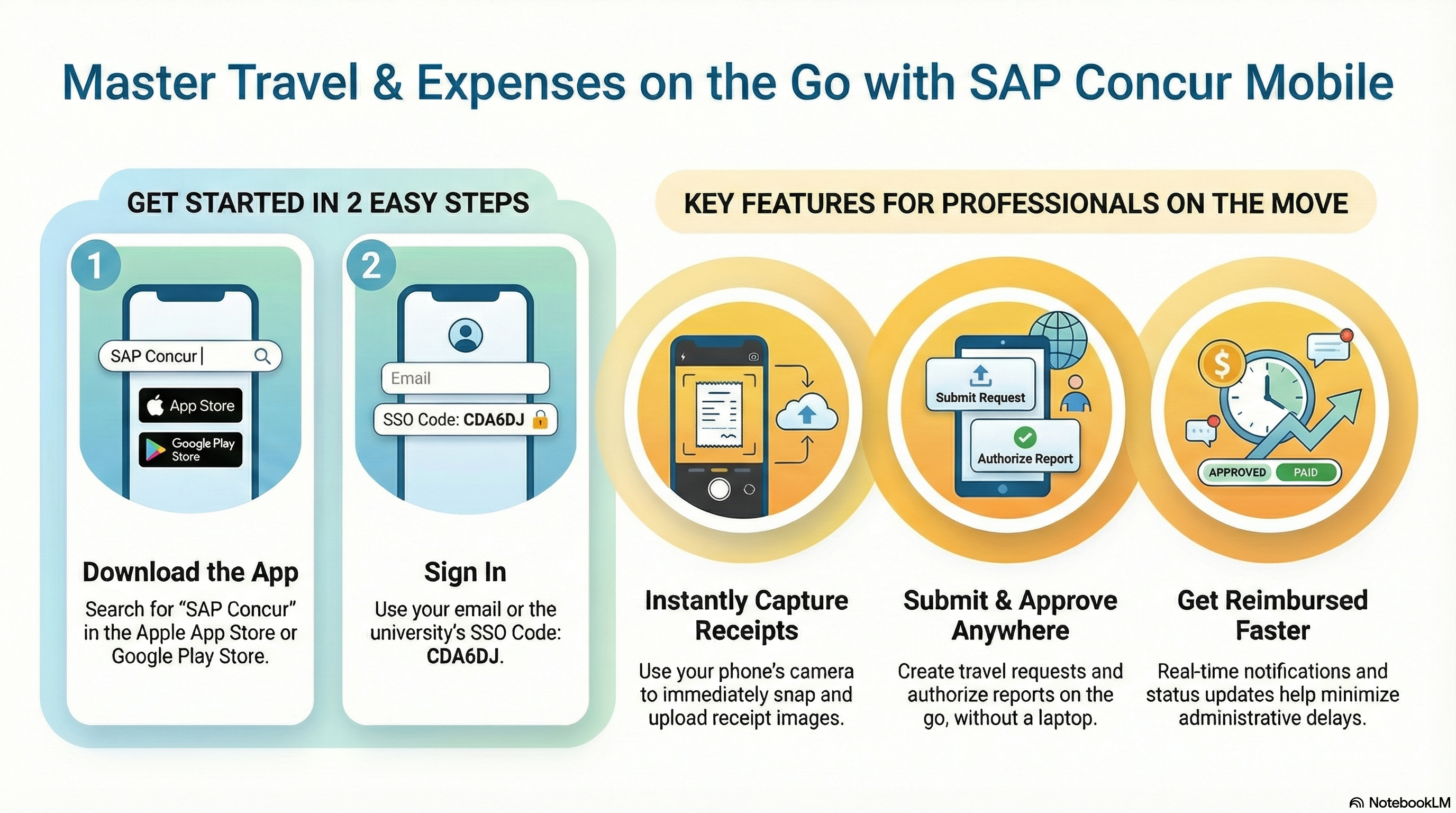
Get Started in 2 Easy Steps:
- Download the SAP Concur app to your mobile device
- Sign In using the UCM-specific SSO code, CDA6DJ, then select Mobile SSO
- You will be redirected to the UCM Single Sign-On to use your active UCM credentials
Get started fast — watch our quick guide on downloading the SAP Concur Mobile App: How to Download the SAP Concur Mobile App
Expenses & Receipts:
- View and Manage UCM Corporate card transactions (T&E, P-Card, Instant Card) and add them to expense reports
- Snap photos of receipts using your phone
- Submit expense reports
- Approve expense reports
Travel Management
- Check flight status
- Approve Travel Requests
- Change or cancel reservations righty from the app
Whether you're traveling for a conference, research, or submitting expenses between meetings, the Concutr Mobile App helps our campus community stay organized, efficient, and moving forward - anytime, anywhere.


